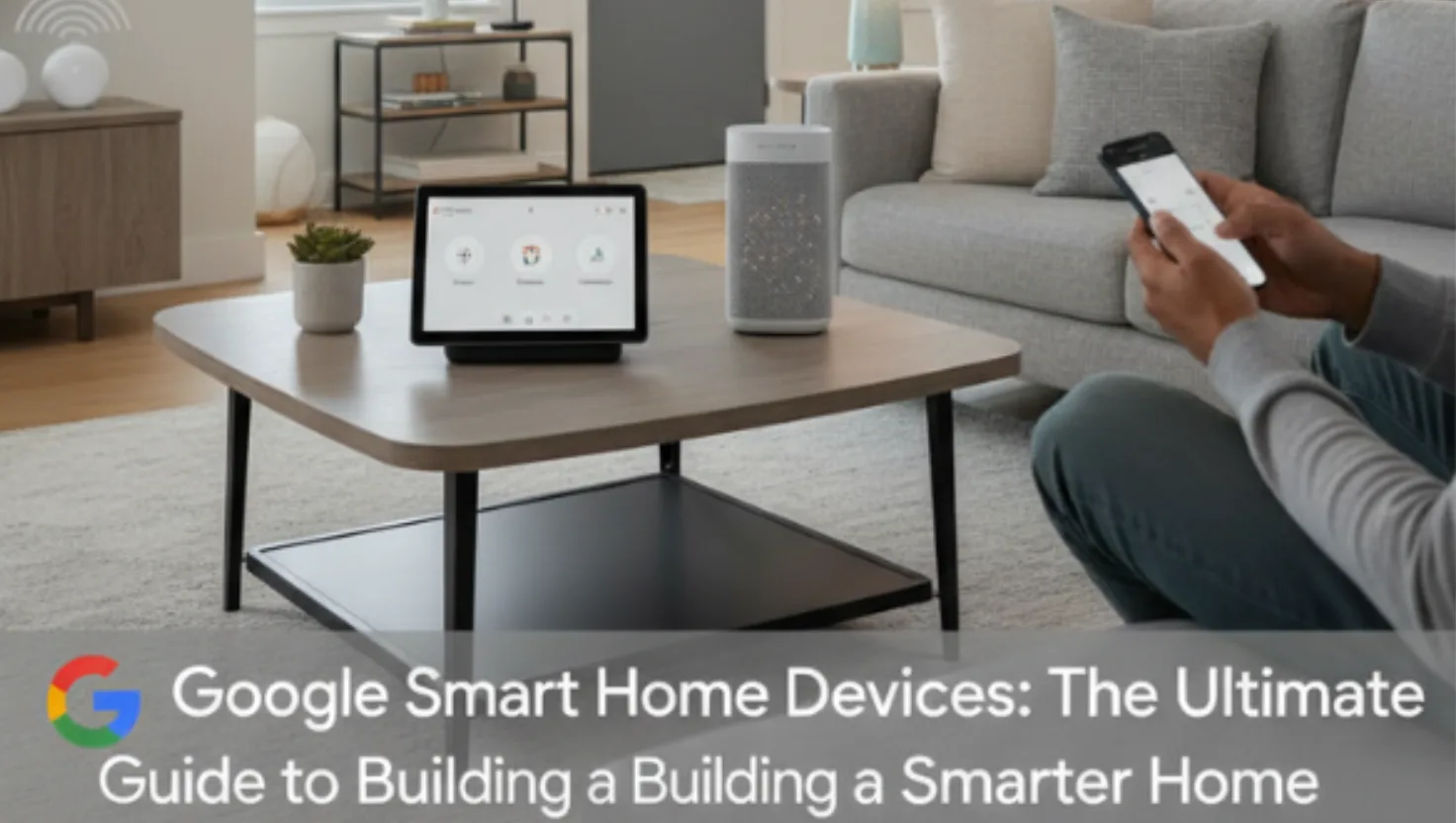
Technology has changed the way we live, work, and even relax at home. Today, smart homes are no longer a futuristic dream, they are a part of daily life. Among all the options available, Google smart home devices have become one of the most popular choices for homeowners who want to bring comfort, control, and convenience into their lives.
From Google Assistant and Google Home to the Nest series of products, Google’s smart home ecosystem connects devices seamlessly, creating a home that listens, learns, and responds to your needs.
In this comprehensive guide, we’ll explore everything you need to know about Google smart home devices, how they work, their benefits, and how you can build your own connected home.
What Are Google Smart Home Devices?
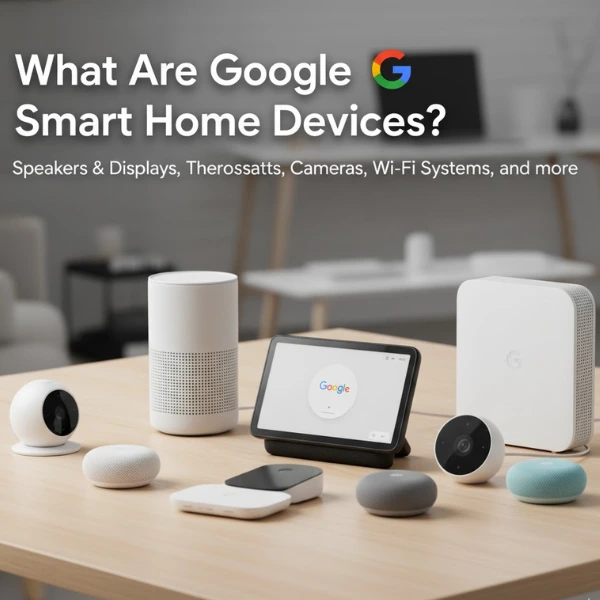
Google smart home devices are products designed to make your home more intelligent, efficient, and convenient. They connect through the Google Home app and use Google Assistant as the central voice control system.
With these devices, you can:
- Control lights, thermostats, and cameras with your voice
- Automate daily tasks
- Monitor your home remotely
- Save energy and improve security
In simple words, Google smart home devices help you manage your entire home with just a few taps or voice commands.
The Core of the Google Smart Home Ecosystem
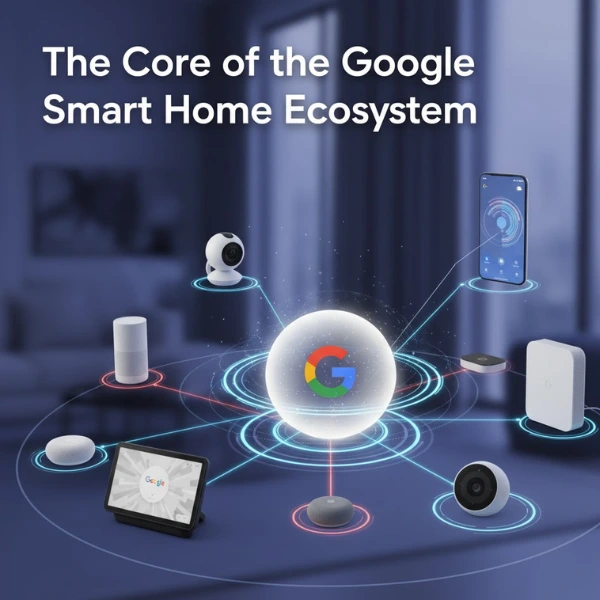
To understand how the system works, you first need to know its three main components:
1. Google Assistant
This is the brain behind every Google smart home device. Google Assistant listens to your commands, processes them, and performs the task. Whether it’s turning off the lights, playing music, or adjusting the temperature, the Assistant acts as your personal home helper.
Examples of commands:
- “Hey Google, turn on the living room lights.”
- “Hey Google, what’s the temperature in the bedroom?”
- “Hey Google, show me the front door camera.”
It integrates with hundreds of smart home brands, meaning you can control many devices beyond Google’s own, such as smart plugs, doorbells, or TVs.
2. Google Home Devices
These are smart speakers and displays that act as the main control hub for your smart home. The most popular ones include:
- Google Nest Mini
- Google Nest Audio
- Google Nest Hub (with a display)
They not only let you interact with Google Assistant but also stream music, show weather updates, or display camera feeds, making them both functional and entertaining.
3. Google Nest Devices
Nest devices focus mainly on home automation, energy management, and security.
Some of the most well-known products include:
- Nest Thermostat – Adjusts temperature automatically based on your habits.
- Nest Doorbell – Shows who’s at your door even when you’re away.
- Nest Cam – Offers live video surveillance of your home.
- Nest Protect – A smart smoke and CO alarm that alerts you through your phone.
Together, these form a complete Google smart home ecosystem that makes life easier, safer, and smarter.
Why Choose Google Smart Home Devices?
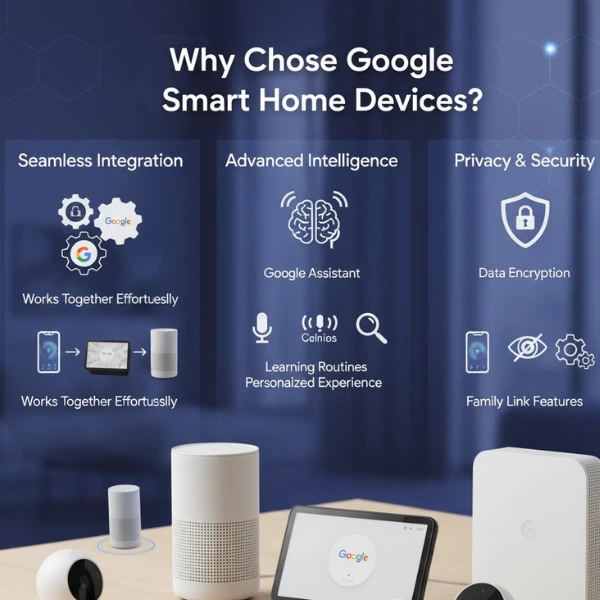
Google’s ecosystem offers some clear advantages that make it one of the best smart home systems available today.
1. Seamless Integration
All devices work together perfectly. You can control your thermostat, camera, and lights from the same app or through a simple voice command.
2. User-Friendly App
The Google Home app provides a clean, intuitive interface where you can manage all your devices, set routines, and monitor activity.
3. Cross-Brand Compatibility
Google Assistant works with thousands of third-party devices, so you’re not limited to just Google products. You can connect brands like Philips Hue, TP-Link, and more.
4. Voice Control for Everything
With Google Assistant, you can use your voice to control nearly every aspect of your home, from turning off lights to locking doors.
5. Smart Routines
Set routines like:
- “Good Morning” – Turns on lights, reads the news, and adjusts the thermostat.
- “Good Night” – Locks doors and turns off the TV.
6. Strong Privacy and Security
Google emphasizes data security. Users can control what information is stored and delete voice recordings anytime.
Google Smart Home Devices You Should Know About
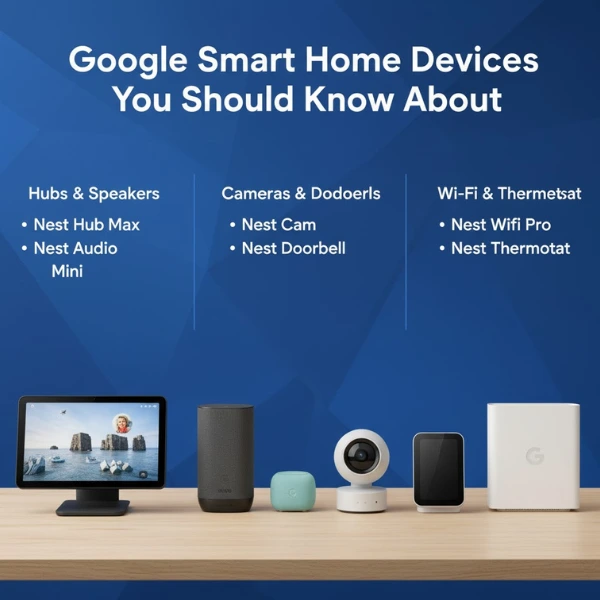
Let’s take a closer look at the key products that make up the Google smart home devices lineup.
1. Google Nest Hub
A smart display that combines the power of Google Assistant with a touchscreen.
Features:
- Voice and touch control
- Stream YouTube and Netflix
- View camera feeds
- Manage smart home devices visually
Perfect for kitchens or living rooms, the Nest Hub acts as the visual center of your smart home.
2. Google Nest Mini & Nest Audio
Compact smart speakers that provide powerful sound and hands-free control.
Use Cases:
- Play music or podcasts
- Set alarms and reminders
- Control connected devices via voice
- Get daily updates, weather, and traffic info
They’re affordable, easy to install, and blend well with any home décor.
3. Nest Thermostat
One of the smartest thermostats available, designed to save energy and make your home more comfortable.
Key Benefits:
- Learns your heating/cooling preferences
- Can be controlled remotely
- Saves energy automatically
- Gives usage reports via the Google Home app
Over time, it understands your schedule and adjusts temperatures automatically.
4. Nest Cam
A security camera that helps you monitor your home in real time.
Features:
- HD video streaming
- Night vision and motion alerts
- Two-way communication
- Cloud storage of recordings
You can watch what’s happening at home even while traveling.
5. Nest Doorbell
A video doorbell that connects directly with Google Home.
Advantages:
- HD video with motion alerts
- Facial recognition (in some models)
- Two-way talk feature
- Works seamlessly with Nest Hub displays
It gives you full control and awareness of who comes to your door.
6. Nest Protect
A smart smoke and carbon monoxide detector that keeps your home safe.
Key Features:
- Sends alerts to your phone
- Speaks instead of just beeping
- Detects both slow and fast-burning fires
- Auto-checks sensors regularly
It adds another layer of protection to your smart home setup.
How to Set Up Google Smart Home Devices
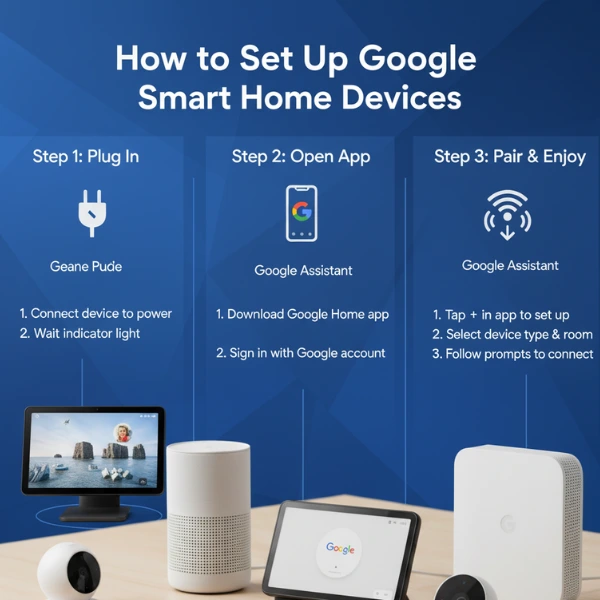
Setting up Google smart home devices is simple and beginner-friendly. Here’s how:
Step 1: Download the Google Home App
Available on both Android and iOS, this app is your control center for all smart devices.
Step 2: Add Your Device
- Open the app → tap “+ Add Device”
- Select your product (e.g., Nest Thermostat or Nest Hub)
- Follow the setup instructions
Step 3: Connect to Wi-Fi
Ensure your home Wi-Fi is stable. Google devices rely on internet connectivity for most features.
Step 4: Link Your Accounts
If you have other smart devices (like Philips Hue lights), link them to Google Assistant for integrated control.
Step 5: Set Routines
Create personalized routines like:
- “I’m home” – turns on lights and adjusts temperature.
- “Movie time” – dims lights and plays Netflix on your TV.
Best Ways to Use Google Smart Home Devices
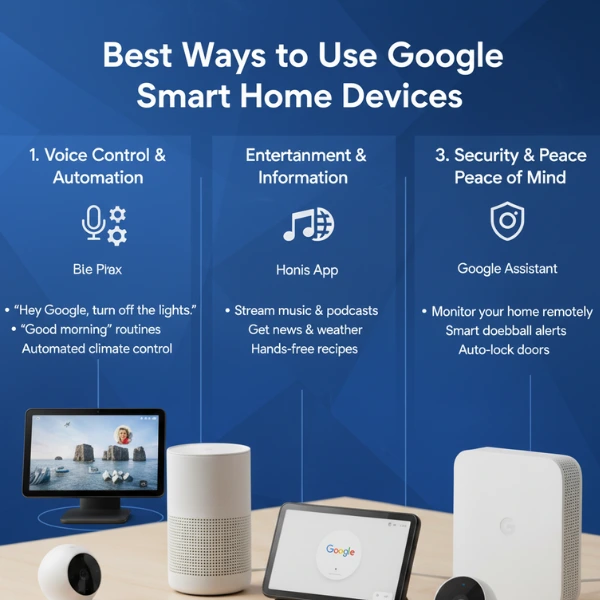
Here are a few creative ideas to make the most of your Google smart home devices:
1. Energy Efficiency
Use the Nest Thermostat and smart plugs to reduce power waste. You can automate schedules for heating, cooling, and lighting.
2. Home Security
Integrate Nest Cams and Doorbells to keep an eye on your property. Use Google Assistant to check live camera feeds instantly.
3. Family Routines
Set up daily reminders, bedtime routines, or even fun trivia games through your Google Home speaker.
4. Entertainment
Use voice commands to play Spotify, YouTube, or even Netflix. The Nest Hub becomes your entertainment companion.
5. Elderly Care
Google smart home devices can assist elderly family members by simplifying tasks like controlling lights, checking who’s at the door, or setting medication reminders.
Privacy and Data Control in Google Smart Homes
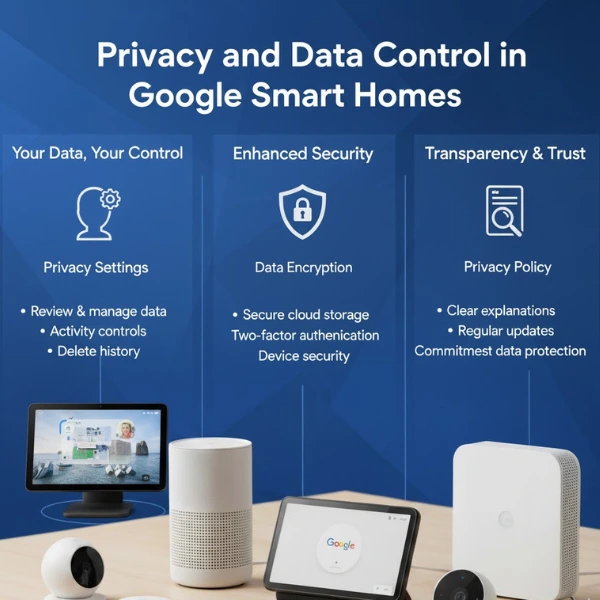
One of the most discussed topics around smart homes is privacy. Google ensures users have complete control over their data.
- You can view and delete your voice recordings anytime.
- Voice data is processed securely.
- Privacy settings can be adjusted directly in the Google Home app.
Google also regularly updates its software to patch vulnerabilities and enhance security.
Tips to Make the Most of Your Google Smart Home
- Use Voice Shortcuts
Create quick commands like “Hey Google, bedtime” to trigger multiple actions. - Group Devices by Room
Organize devices in the Google Home app for easier control. - Integrate Third-Party Devices
Add lights, plugs, or appliances from other brands that support Google Assistant. - Check for Updates
Keep your devices updated for improved security and performance. - Explore Google Routines
Automate everyday tasks for a smoother lifestyle.
The Future of Google Smart Home Devices
Google continues to innovate its ecosystem, making homes even smarter and more connected.
Future updates may include:
- Better AI learning capabilities
- Integration with electric vehicles and solar systems
- Advanced home automation through AI prediction
As artificial intelligence grows, Google smart home devices will become even more intuitive, offering proactive suggestions and managing your home automatically.
Pros and Cons of Google Smart Home Devices
| Pros | Cons |
|---|---|
| Seamless integration with multiple devices | Requires stable Wi-Fi |
| Easy to set up and control | Some advanced features need subscriptions |
| Affordable entry-level options | Data privacy concerns for some users |
| Regular software updates | Limited compatibility with Apple HomeKit |
Conclusion: Are Google Smart Home Devices Worth It?
Absolutely.
Google smart home devices offer one of the most user-friendly, affordable, and scalable smart home systems available today. Whether you start with a single Nest Hub or build a full ecosystem with cameras, thermostats, and sensors, Google provides an experience that’s reliable, secure, and easy to use.
With voice control through Google Assistant, automation routines, and seamless device integration, your home becomes not just connected, but intelligent.
If you’re planning to create a modern, comfortable, and secure living space, Google smart home devices are an excellent choice.